Beautiful Templates
Over three hundred hand-designed cards across seventeen occasions, from royal wedding gold to neon birthday nights.
963 designs · 17 occasions · free to try
Design, personalise and share stunning digital invitations for every special occasion — weddings, birthdays, baby showers, house warmings, festivals and corporate events.
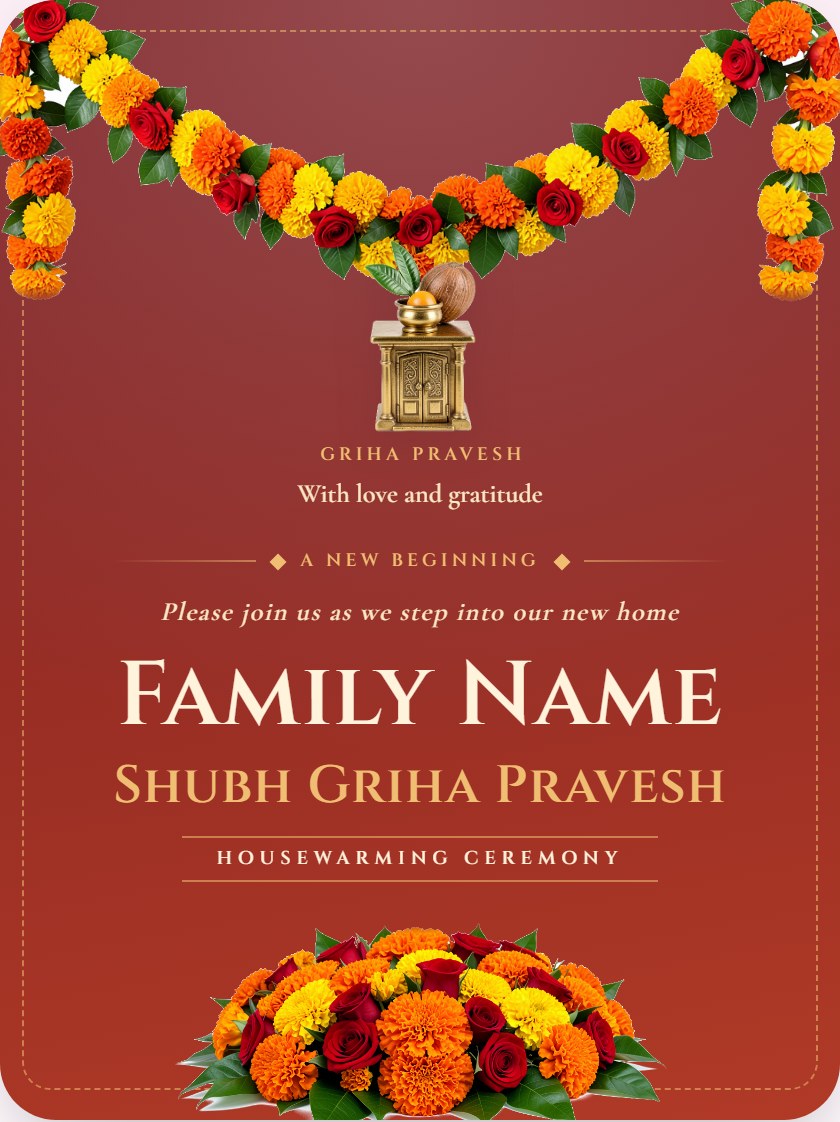
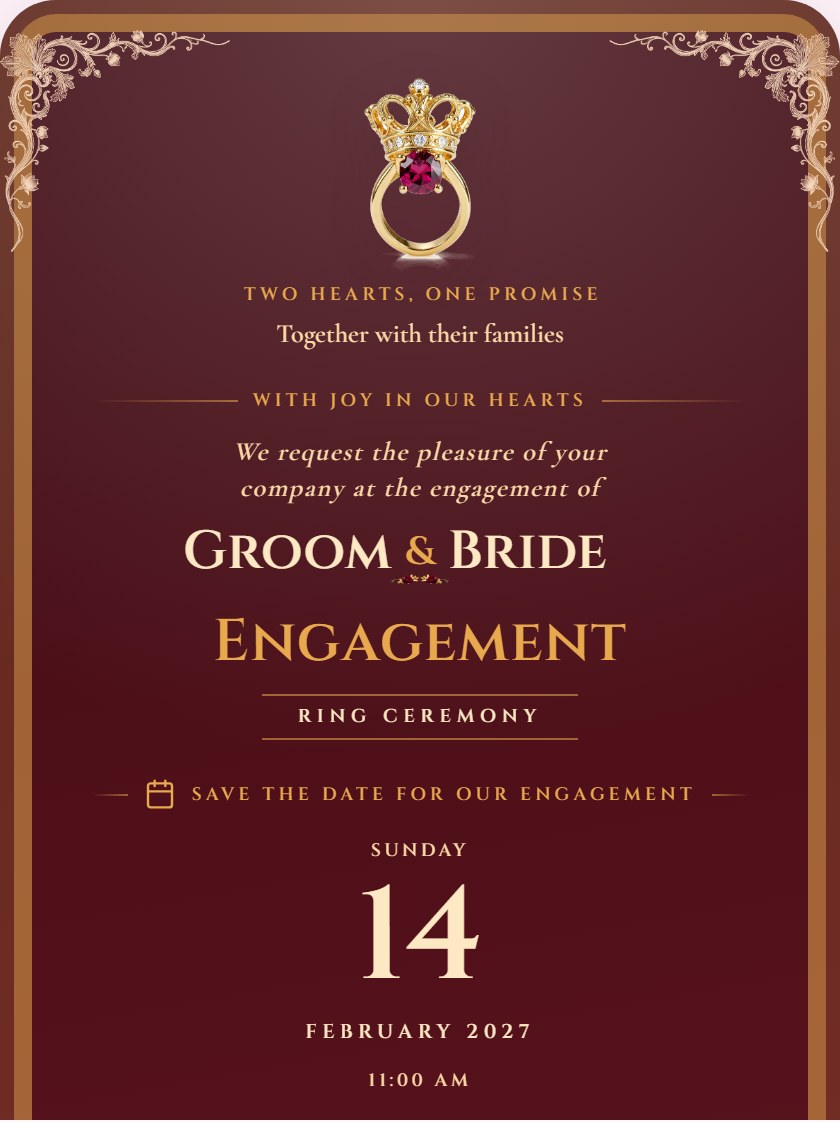
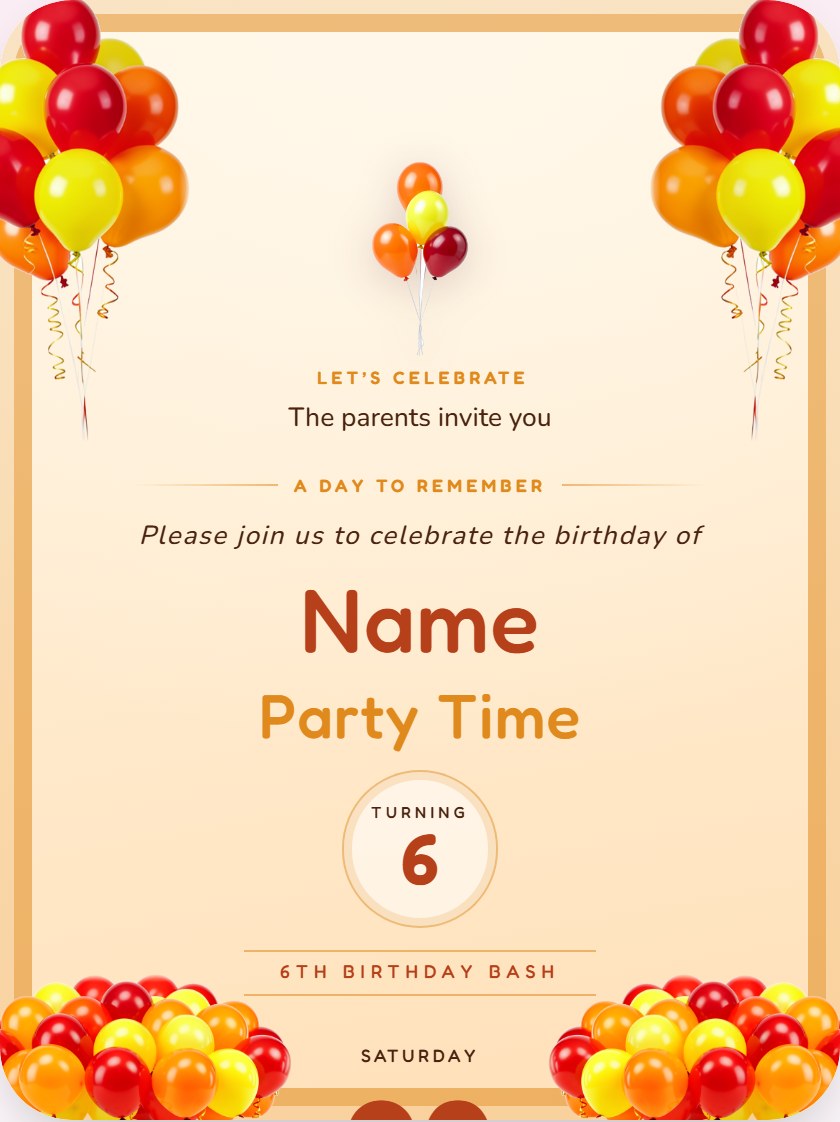

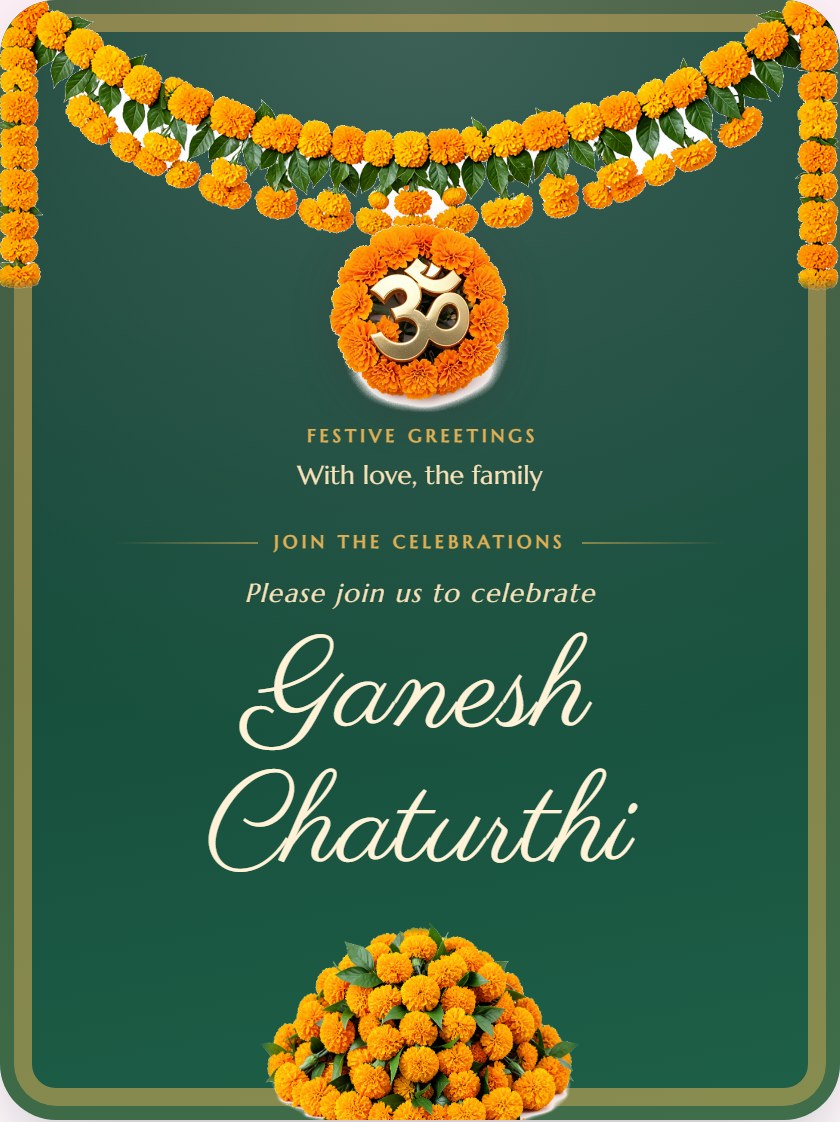
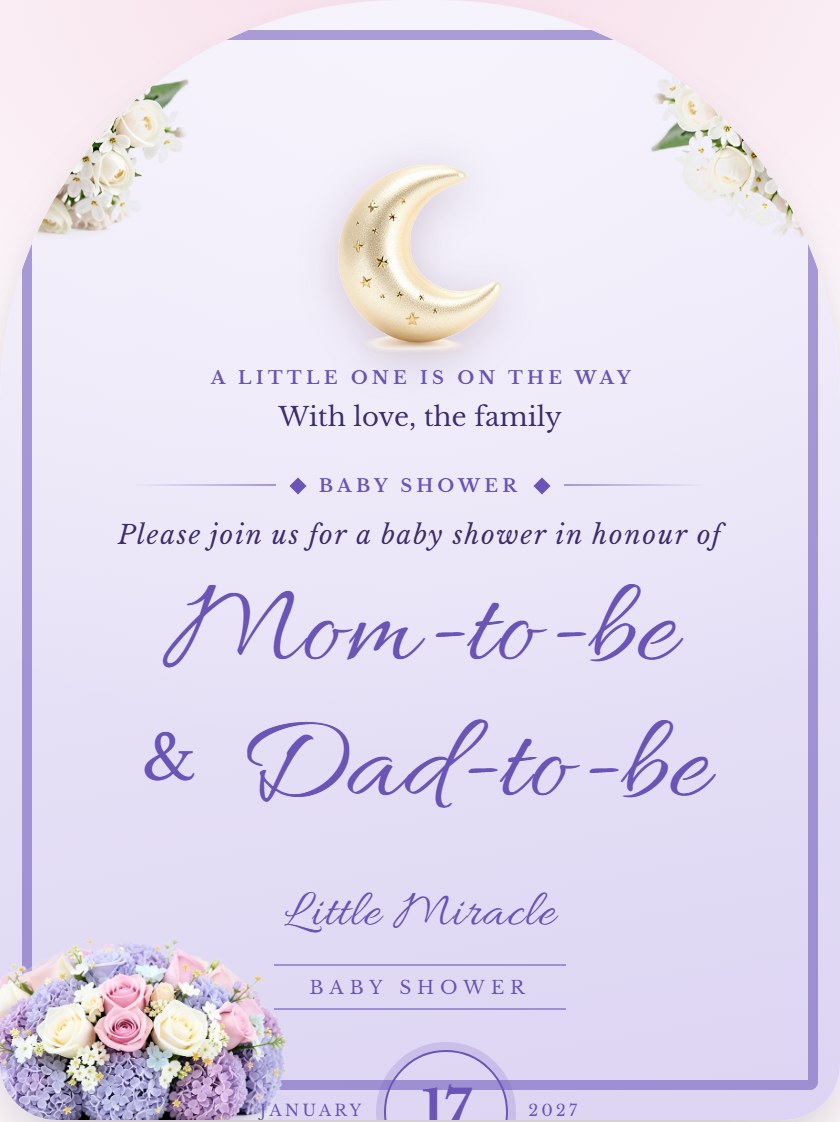
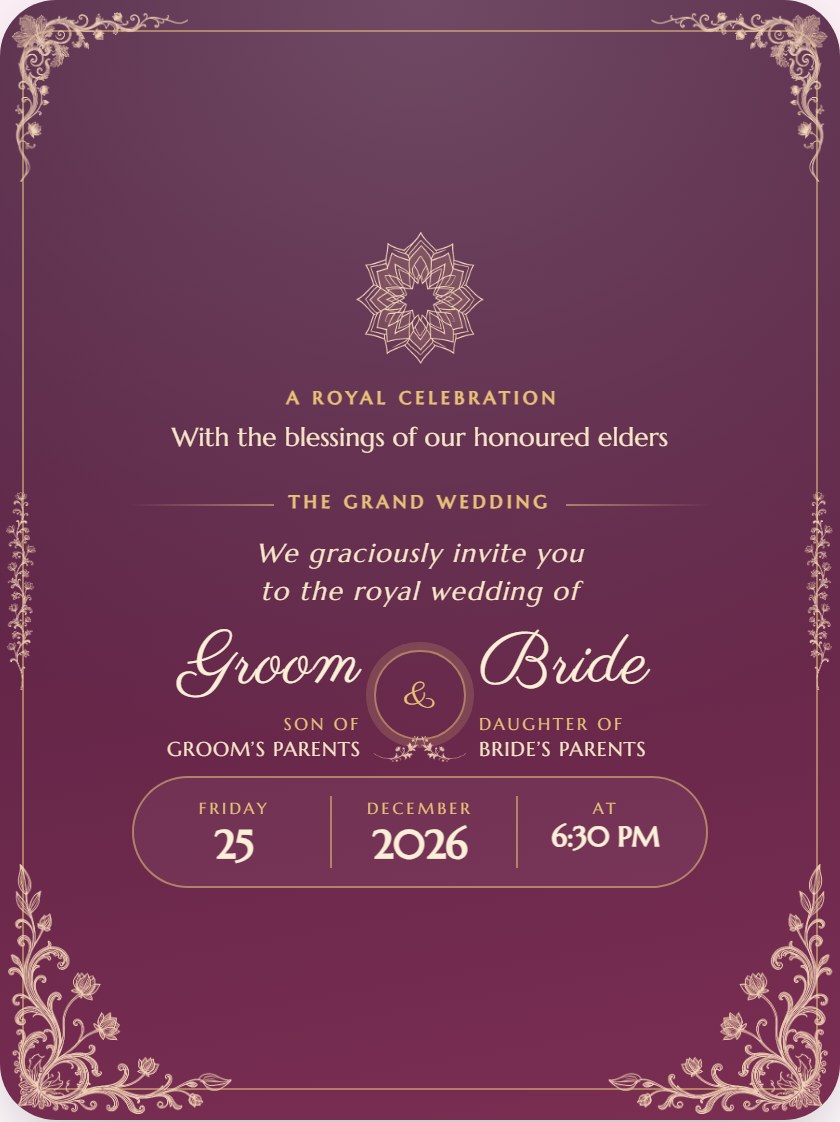
One link carries your whole invitation — the design, the details, the directions and the countdown. Guests open it on any phone, no app required.
Over three hundred hand-designed cards across seventeen occasions, from royal wedding gold to neon birthday nights.
Change names, dates, colours and fonts in a live editor. What you see is exactly what your guests receive.
Built mobile-first and tested from 320px upward, so the card looks right on the oldest phone in the family.
One link works on WhatsApp, Facebook, Telegram, email and SMS. Copy it once and send it everywhere.
A live timer ticks down to the moment — days, hours, minutes and seconds, updating on every open.
Add up to six photos of the couple, the baby or the venue and they appear right inside the invitation.
A Directions button opens the venue in the guest's own maps app — no more copying addresses by hand.
Upload your own track. Guests start it with one tap on the music button, so it never plays unasked.
Print the generated QR on your paper card so anyone can scan straight through to the digital version.
No heavy frameworks and no tracking scripts — the whole page is a few hundred kilobytes and loads instantly.
Host once for ₹99. The link stays live until 31 days after your event, then the card and host page are deleted automatically — no renewals and no per-guest charges.
Pick the moment you are celebrating and we will show you only the designs that suit it.
Hover any card to preview it, or open the full gallery to search and filter all 963 designs.
A real, working invitation — not a screenshot. The countdown below is running right now, the Directions button opens Google Maps, and the whole thing fits in a single link.
How it works
Most hosts finish their first draft in about a minute. You can come back and refine it as often as you like.
Pick what you are celebrating, from weddings to corporate events, and choose one of the designs made for it. Every template is free to use, and you can switch design at any time.
Names, date, time, venue and your message, then the programme, photos, music, colours and fonts. The card beside the form updates as you type, so nothing is a surprise.
Your invitation is ready. Download the card as a JPG or the full page as .html and send it yourself, at no cost and with no account.
Optional: pay ₹99 once and your invitation goes live at its own link, with a QR code and a WhatsApp preview. Guests just tap and open it.
A digital invitation is a web page instead of a printed card. It holds your names, date, venue and photos, and lives at its own link. Guests open it in their browser — there is no app to install and nothing to download.
Open the Create Invitation page and follow its steps: choose the occasion, fill in the details and any programme, add photos or music if you want them, pick a design, then download it free or host it online for ₹99. The card updates as you type.
Yes. Every invitation gets a plain web link, and there is a one-tap WhatsApp button that opens your chat list with the message already written. The same link works on Telegram, Facebook, email and SMS.
Until 31 days after your event. The ₹99 hosting plan is a one-time payment; the invitation stays live through the event and for 31 days after it, then the card, host page and uploaded photos are deleted automatically. See the Pricing page for details.
Yes. Create, preview and download any invitation for free, with your draft saved in your own browser — no account needed. When you want it online, pay ₹99 once through Razorpay and it goes live at its own link until 31 days after your event, with a confirmation email.
Yes. The layout is tested from 320px wide upward and the whole page is only a few hundred kilobytes, so it opens quickly even on a slow connection.
Start with any template, change everything, and see the result as you type. Nothing to install and nothing to pay while you are trying it out.